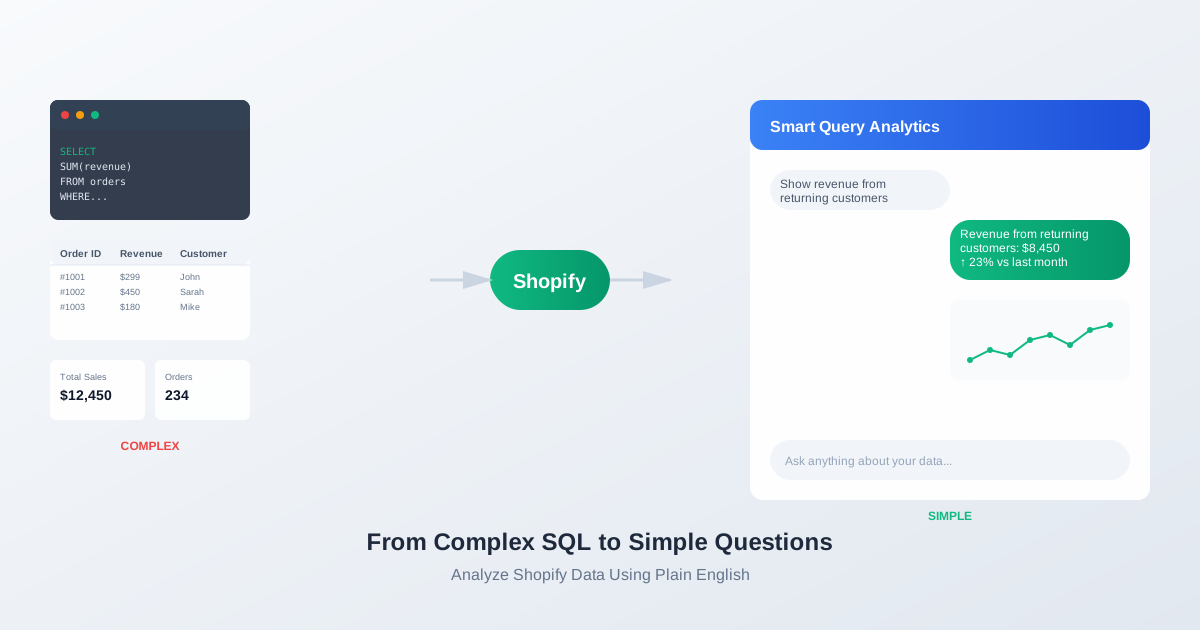
How to Analyze Shopify Data Using Plain English (No SQL Required)
Most ecommerce teams don’t struggle with lack of data.
They struggle with accessing it.
To answer simple questions, they often need to:
- Export CSV files
- Build pivot tables
- Write SQL queries
- Configure dashboards
But analytics shouldn’t require technical setup.
You should be able to analyze your Shopify data using plain English.
The Traditional Way
Let’s say you want to know:
“How much revenue came from returning customers last month?”
Traditional workflow:
- Export orders
- Identify repeat customers
- Build pivot table
- Calculate totals
- Create chart
Time spent: 20–60 minutes.
And that’s for one question.
The Conversational Way
Now imagine asking:
“Show revenue from returning customers last month.”
And instantly getting:
- A clear number
- A clean chart
- A comparison to the previous period
No exports.
No SQL.
No dashboard setup.
Just a question → answer.
What You Can Ask
With conversational analytics, you can ask:
- “Compare AOV month over month.”
- “Which products drove the most repeat purchases?”
- “Show revenue trend for the past 6 months.”
- “How many customers purchased more than twice?”
- “Break down revenue by new vs returning customers.”
The system understands your data structure and responds with both numbers and visualizations.
Why This Changes Everything
Dashboards are static.
Questions are dynamic.
Dashboards show what was predefined.
Conversational analytics lets you explore freely.
Instead of building reports in advance, you interact with your store’s data in real time.
That flexibility removes friction.
And when friction disappears, curiosity increases.
The Real Advantage
The benefit isn’t just speed.
It’s accessibility.
You don’t need:
- SQL knowledge
- Data engineering support
- Advanced Excel skills
You just need the right questions.
Final Thought
Your Shopify data already contains the answers.
The only question is how quickly you can access them.
You shouldn’t need to build analytics.
You should be able to ask anything about your Shopify data — and get instant answers and charts.